Merchant control
Choose the partner
Accept value only from businesses you trust and want to bring into your local circle.
A practical guide to running checkout, appointments, and rewards in Western North Carolina — on the phone you already have, next to Square or Clover.
Coupling WNC starts with the counter, not a new gadget. Take cards with Tap to Pay on the phone you already carry. POS is mobile-only. We do not sell terminals — hardware in photos is a demo of the app.
A ticket does not have to be all card or all rewards. Apply what the customer has, collect the rest as cash or card, and keep going.
Mary pays with a card on your phone, plus a $10 reward from last month. You close the remaining balance as usual.
If you allow it, Mary can pass leftover rewards to Joe. The value is not stuck in one named account.
Joe spends it at your shop. You stay in charge of where the reward comes home.
Farm stands, massage, and chiropractic shops do not sell the same way. Coupling covers the catalog, when the order is due, and full appointment booking — in the same mobile app that takes the payment.
Merchant connections are optional expansion. They come after customers and staff already understand checkout and the basic shop offer.
Start with checkout and your own rewards, then add a partner when the relationship makes sense and cap how much of their value you accept.
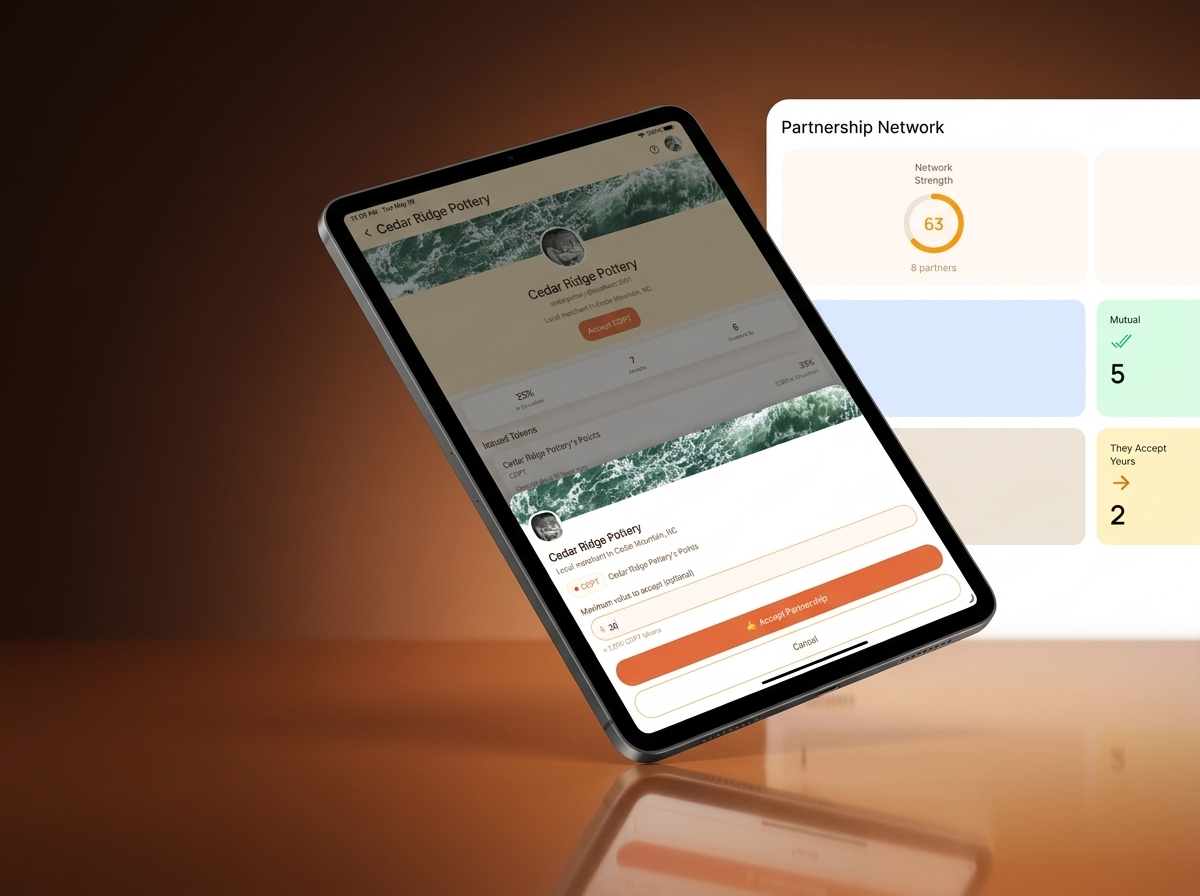
Merchant control
Accept value only from businesses you trust and want to bring into your local circle.
Acceptance cap
Set a dollar amount that fits your comfort level before any partner value is accepted.
Local growth
Give customers more places to spend while keeping the relationship rooted in WNC merchants.
Lead with checkout and rewards, vouchers, or gift cards customers already understand.
Choose a nearby merchant with overlapping customers or a natural business relationship.
Raise the cap only after the partnership proves useful for both sides.
WNC example
Mountain Roast can choose to accept up to $100 of Slope Side value, then bring that value back to Slope Side for wholesale orders, event tabs, or future redemptions.
That keeps the partnership useful without making the network feel abstract, risky, or hard to explain to staff.